Tool pricing checked October 2026.
TL;DR
To backfill missing emails in a CRM, audit which records are missing emails, enrich them in bulk, verify the results, and import them back by record ID. Then schedule enrichment so the gaps don't come back. Quick version:
If you have a few hundred records, use your CRM's built-in enrichment if it finds emails (Pipedrive's does; HubSpot's doesn't), or export a CSV and run it through a bulk email finder.
If you have thousands of records, use a bulk enrichment API like MoltSets, which returns verified emails with a risk score on a flat monthly rate, or Clay if your team already builds workflows there.
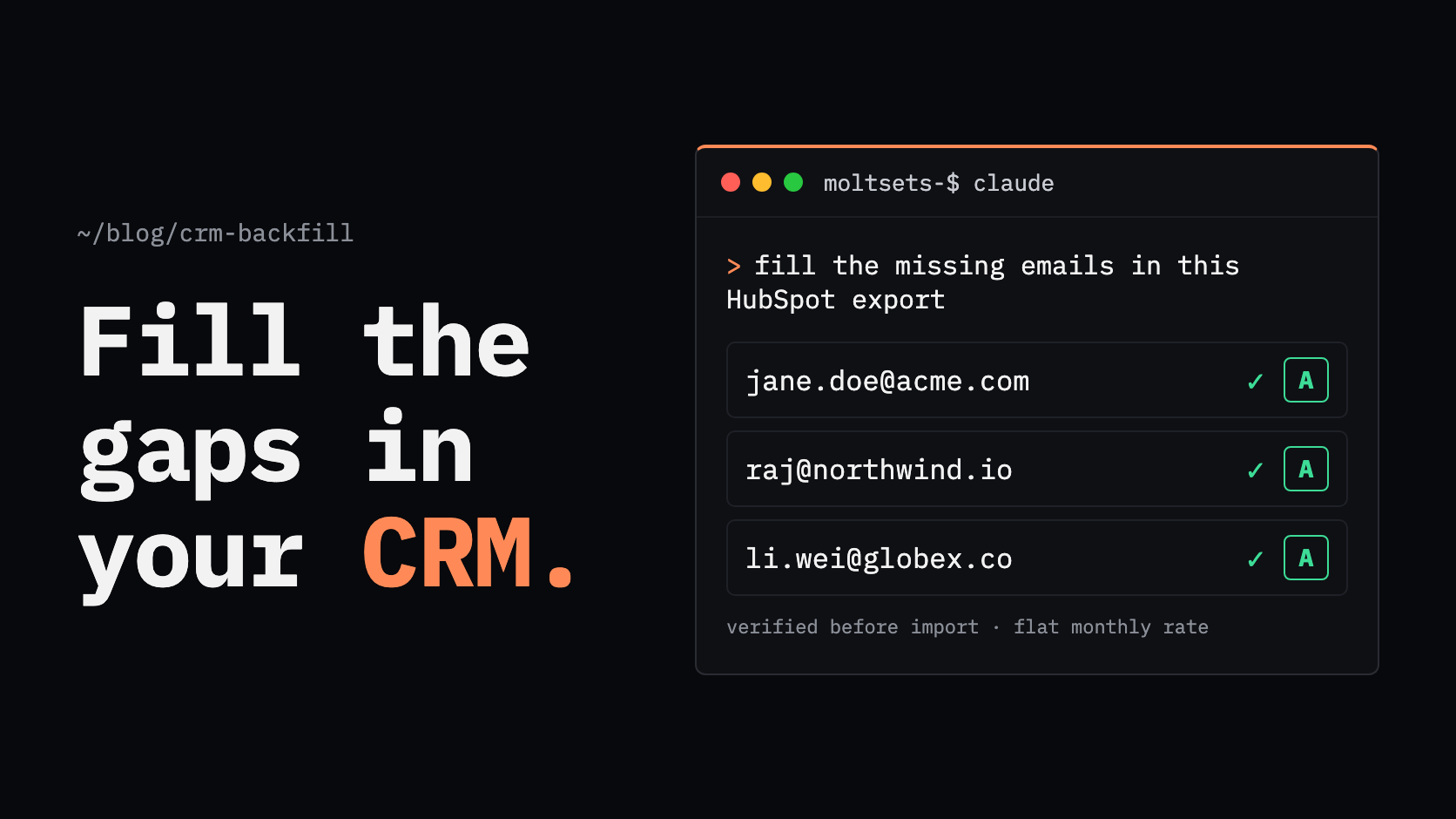
If you work in Claude or ChatGPT, connect MoltSets, hand Claude your export, and ask it to fill in the missing emails.
If you want it to stay fixed, run enrichment on a schedule for new and stale records.
People change jobs constantly, so backfilling is ongoing hygiene, not a one-time fix. Verify every enriched email before you import it.
How do I backfill missing emails in my CRM?
To backfill missing emails in your CRM, export the records with no email, match them to a data source using name and company or LinkedIn URL, and import the verified emails back by record ID. Most teams do this with a bulk enrichment tool or API, because CRMs don't find missing emails on their own.
The full process has six steps:
Audit what's missing and what you have to match on.
Choose how to enrich, based on list size and budget.
Enrich the records in bulk.
Verify the emails before they touch your CRM.
Import the results by record ID.
Keep it clean with scheduled enrichment.
Step 1: How do I find which CRM records are missing emails?
To find records missing emails, build a filtered view or report where the email field is empty, and export it with the record ID and the fields you'll match on. The record ID matters most, because it lets you update the existing records instead of creating duplicates.
How to pull the list in each CRM:
HubSpot. Create a contact view or segment with the filter Email "is unknown." To find bad emails too, add contacts where Invalid email address is true or Email hard bounce reason "is known."
Salesforce. Build a Contacts or Leads report with the filter Email "equals" and leave the value blank. Include the Contact ID or Lead ID column so you can update the records later.
Pipedrive. Filter people by the email field, then export the list with the Pipedrive System ID.
Export these fields for matching, in order of usefulness:
Field | Why it matters |
|---|---|
Record ID | Lets you update existing records on import, not create new ones |
LinkedIn URL | The most reliable match for finding an email |
First and last name | Needed when there's no LinkedIn URL |
Company domain | Pairs with the name to find a work email |
Company name | A fallback if the domain is missing |
Records with no LinkedIn URL and no company won't match in any tool. Set them aside rather than paying to look them up.
Step 2: Which way should I enrich my CRM?
The right way to enrich depends on list size and how often you'll do it. A native CRM add-on suits small, ongoing gaps; Clay suits teams already running workflows there; a bulk enrichment API suits large or repeated backfills; and a CSV upload to an email finder suits a one-time cleanup.
Approach | How it works | Best for | Cost shape | Limitation |
|---|---|---|---|---|
Native CRM add-on | Enrichment built into the CRM fills fields on existing records | Small, steady gaps on one CRM | Included in some plans, or credits | HubSpot's enrichment needs an existing work email and doesn't add one; Salesforce has had no native contact data since Data.com was retired |
Clay | Imports CRM records, runs a waterfall of data providers, writes results back | Teams already building GTM workflows in Clay | Monthly plan plus data credits; CRM integrations start on Growth ($495/mo) | Expensive for a one-time backfill, and results still need verifying |
Bulk enrichment API | Your code, an agent, or a workflow tool sends records and gets emails back | Thousands of records, or repeated backfills | Per-credit for most tools; flat monthly rate for MoltSets | Needs someone comfortable running an API, Claude, or a workflow tool |
CSV export and upload | Export the list, upload to an email finder, re-import | A one-time cleanup of a few thousand records | Per-credit, usually per email found | Manual, and easy to skip the verify step |
A note on the native options. Pipedrive's Data Enrichment can fill a missing email for a person with a name plus a linked organization or LinkedIn profile, up to 100 records at a time, using credits (2 per email). It's included on Ultimate and Enterprise and a paid add-on on Premium. HubSpot's enrichment fills job title, LinkedIn URL, and similar fields, but only for contacts that already have a work email.
Step 3: How do I bulk-enrich a list of contacts?
To bulk-enrich a list of contacts, send each record's LinkedIn URL, or name and company domain, to an enrichment tool or API, and collect the verified email and its status for each one. Expect some records not to match; choose a tool that doesn't charge for misses.
MoltSets is built for this kind of backfill. It's a B2B data enrichment API that you call from Claude, ChatGPT, Claude Code, Codex, n8n, your own code, or an HTTP API step in Clay.
Two ways in. Use linkedin_to_best_email when you have LinkedIn URLs (up to 100 per call); it returns a business email and falls back to a personal one. Use search_business_email_by_name when you only have a name and company domain; it returns the business email and the matched LinkedIn URL.
Every email is verified, with an A–F risk score and a last_validated_at date you can store in the CRM. Every email has been validated within the last 90 days.
Misses are free. A record with no match returns not_found and uses no record, though every call counts toward your plan's rate limit. That matters in a backfill, where many old records won't resolve.
Flat-rate pricing. Paid plans start at $27/mo with no per-lookup credits, bounded by rate limits and a fair-use policy; weekly limits run from 5,000 enrichment records on the $27 plan to 1,125,000 on the $997 plan. The free plan includes 1,000 lifetime records, enough to test on a sample before a full run.
Where it isn't a fit: MoltSets is a data layer, not a CRM or a point-and-click enrichment screen. It feeds clean data into the CRM you already use, and there's no dialer or sequencer.
How do I fill in missing emails using Claude or ChatGPT?
To fill in missing emails with Claude or ChatGPT, connect MoltSets, share your CRM export, and ask Claude to find verified emails for the records that are missing them.
Connect MoltSets once. Add it as a connector in Claude (claude.ai, Claude Desktop, or Claude Code), which works on every Claude plan, or in ChatGPT on Business, Enterprise, and Edu plans. On team plans, an admin adds the connector first.
Ask for what you need. For example: "This CSV is every HubSpot contact with no email. Find verified emails using the LinkedIn URL where there is one, or the name and company domain where there isn't. Add the email, risk score, and validation date as new columns, and keep the Record ID."
Get the file back ready to import. Claude returns the enriched list with misses marked, so you can review it before it goes near the CRM.
There's no separate dashboard to log into.
Step 4: How do I verify emails before importing them?
Verify every enriched email before you import it, and only send to the ones that pass. Importing unverified emails leads to bounces, and mailbox providers treat repeated bounces as a sign of a poorly kept list.
The major providers say this directly. Google's sender guidelines tell senders to unsubscribe recipients with multiple bounced messages and to reduce volume when bounces rise, and to keep spam rates below 0.1%. Yahoo recommends removing invalid recipients promptly and monitoring bounces.
How to gate the import:
Use the verification status your tool returns. With MoltSets, import A (validated deliverable) and B (known engagement) emails for sending. Treat C (catch-all) and F (no signal) as unknown: import them to a separate segment and warm them up at lower volume. Suppress D (spam trap or complaint) entirely.
Store the validation date. Write last_validated_at or your tool's equivalent to a CRM field so you know when each email was last checked.
Don't overwrite good data. In HubSpot, turn on "Prevent property overwrite" if you're updating other fields. Pipedrive's enrichment only fills empty fields by default.
Step 5: How do I import the emails back into my CRM?
To import emails back, upload the enriched file with the original record ID mapped, so each row updates an existing record instead of creating a duplicate.
HubSpot. Map the Record ID column. Rows with a Record ID update that record; rows without one create new records.
Salesforce. Use the Data Import Wizard, choose to update existing records, and match on Salesforce ID. For very large files, Salesforce recommends Data Loader.
Pipedrive. Map the Pipedrive System ID column on re-import. IDs that don't match a record are skipped.
Run a small test import of 50 to 100 rows first, then check a few records by hand before importing the rest.
Step 6: How do I keep emails from going missing again?
To keep your CRM from decaying again, enrich new records when they're created and re-check older records on a schedule. A one-time backfill starts going stale the day you finish it, because people change jobs.
The scale of the problem, from US government data:
Median tenure is about four years. The Bureau of Labor Statistics reported median tenure with a current employer of 4.1 years in January 2026, and just 3.0 years for workers aged 25 to 34.
Millions leave jobs every month. BLS counted 5.1 million total separations in August 2026, a 3.2% monthly rate.
What to automate:
Enrich on create. Trigger enrichment when a contact is created without an email, from Clay, n8n, a CRM workflow, or your own code calling an API like MoltSets.
Re-check on a schedule. Re-verify emails older than your freshness threshold, for example every 90 days, and flag records that start bouncing.
Watch bounces. Route hard bounces to a "needs re-enrichment" list instead of deleting the contact.
Which approach fits your CRM and list size?
Situation | Best approach |
|---|---|
Pipedrive, a few hundred records | Pipedrive Data Enrichment (Ultimate, or the add-on on Premium) |
HubSpot contacts with no email | Export, enrich with an email finder or API, re-import by Record ID |
Salesforce, any size | Report, enrich externally, update with the Data Import Wizard or Data Loader |
Thousands of records, or a repeated backfill | A bulk enrichment API like MoltSets, on a flat monthly rate |
Working inside Claude or ChatGPT | Connect MoltSets and ask Claude to fill the gaps in your export |
Team already building workflows in Clay | Clay, with your preferred providers in the waterfall |
Frequently asked questions
Export the records with no email, enrich them in bulk using LinkedIn URLs or name and company, verify the results, and re-import by record ID. CRMs generally don't find missing emails on their own; Pipedrive's paid Data Enrichment is an exception.
Export the contacts with their record IDs, run them through an enrichment tool or API, and import the results with the record ID mapped so existing records update instead of duplicating. HubSpot and Salesforce both support updates by record ID.
Send each record's LinkedIn URL, or name and company domain, to a bulk enrichment tool or API, then collect the verified email and status for each. MoltSets does this from Claude, Clay, or your own code, and doesn't charge for records it can't match.
For HubSpot, filter contacts where Email is unknown, export with Record ID, enrich externally, and re-import by Record ID; HubSpot's built-in enrichment doesn't add missing emails. For Salesforce, report on blank emails, enrich externally, and update with the Data Import Wizard or Data Loader.
It depends on the pricing model. Per-credit email finders cost about 2 to 6 cents per email found on entry plans (Hunter and Prospeo at $49/mo for 2,000 credits, FullEnrich at $29/mo for 500). MoltSets charges a flat monthly rate from $27/mo with no per-lookup credits, within rate limits and a fair-use policy.
Re-check emails on a regular schedule, such as every 90 days, and enrich new records as they're created. People change jobs often; the median US worker has been with their employer about four years, so a share of any list goes stale every month.
Only if you import them without verifying. Unverified emails cause bounces, and Google and Yahoo both tell senders to remove invalid addresses and watch bounces. Import only emails that pass verification, and segment catch-all or unknown results.
Yes. Trigger enrichment when a contact is created without an email, and re-verify older emails on a schedule, using Clay, n8n, a CRM workflow, or your own code calling an enrichment API like MoltSets.