TL;DR
The reliable way to find someone's email address is to look it up in verified contact data, using their name and company or their LinkedIn profile. Verified data keeps bounces low and protects your sender reputation. Quick version:
If you need a handful of emails, use an email finder's free tier, such as Prospeo (100 credits a month) or Hunter (50 credits a month).
If you're working from LinkedIn profiles, use a finder that accepts LinkedIn URLs, either as a Chrome extension or in bulk.
If you work in Claude or ChatGPT, connect MoltSets and ask for emails in plain English, with no separate tool to log into.
If you send cold email and bounces are your biggest worry, use Findymail, which guarantees a bounce rate under 5%.
If you need verified emails at scale inside Clay, Claude Code, or your own code, use an email-finding API like MoltSets, which charges a flat monthly rate instead of per lookup.
If you want to find emails and send sequences from one tool, use Apollo.
No source is 100% accurate. Check the verification status or risk score on every email before you send to it.
How do I find someone's email address?
To find someone's email address, look it up in an email finder using their name and company, or their LinkedIn profile URL. A good finder returns an address that has already been verified, along with a status or risk score that tells you whether it's safe to send to.
That's the method that holds up beyond one or two lookups. Finders match the person against contact data that has been checked against the mail server, engagement history, or both. For a list of hundreds or thousands of people, the same lookup runs in bulk or through an API.
How do I find someone's email address in Claude or ChatGPT?
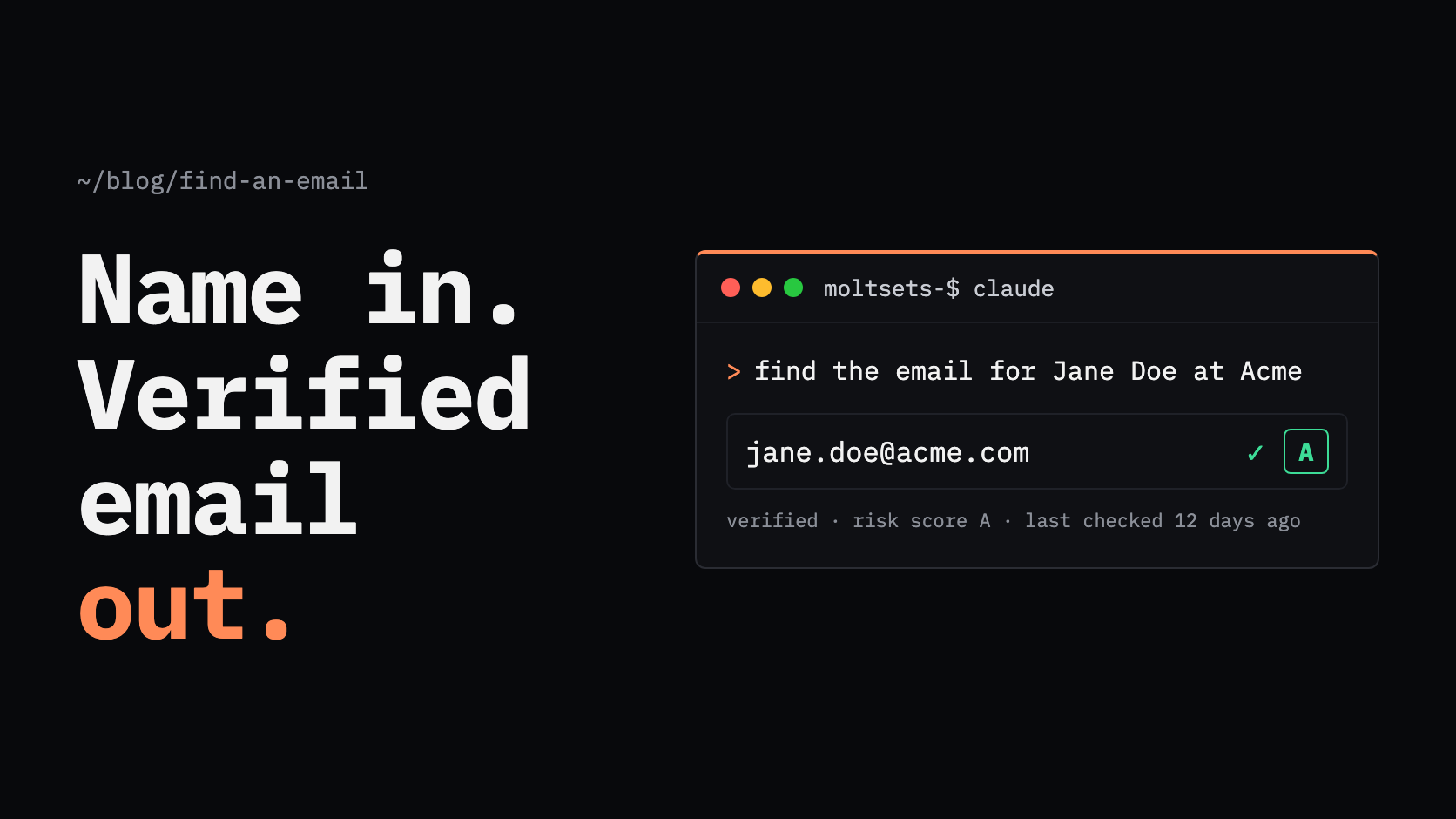
To find someone's email address in Claude or ChatGPT, connect a contact-data tool like MoltSets and ask in plain English. Claude and ChatGPT don't have verified contact data built in, so on their own they can only search the public web. A connector gives them a verified source to look the email up in.
How it works with MoltSets:
Connect MoltSets once. Add it as a connector in Claude (claude.ai, Claude Desktop, or Claude Code), which works on every Claude plan, or in ChatGPT on Business, Enterprise, and Edu plans. On team plans, an admin adds the connector first. MoltSets' developer docs walk through each one, and you sign in with your MoltSets account.
Ask for what you need. For example: "Find the work email for linkedin.com/in/janedoe," or "Find the VP of Marketing at each of these 50 companies and get their verified emails."
Get verified emails back in the chat. Each email comes with an A–F risk score, and you can ask Claude to put the results in a table for your sheet or CRM.
There's no separate dashboard to log into and no exporting lists between tools. The same connection works in Claude Code and Clay when you want to run lookups on a whole list. For tips on getting better results, see our post on under-prompting Claude.
Where can you find an email address without a tool?
Some people publish their email address, and when they do, that's the most accurate source there is. Check these places before reaching for a tool:
LinkedIn's "Contact info" section, which sometimes lists an email, especially for recruiters, founders, freelancers, and people in sales. It only shows if the member allows it: by default only 1st-degree connections can see it, and members can widen that or hide it entirely.
The company's team, about, contact, or press pages. Press releases often name a media contact with a full address.
The person's own channels: a personal website, newsletter, GitHub profile, podcast page, or conference speaker bio.
These sources work for one-off lookups, but they don't scale and many people never publish an address. Verify anything you find before adding it to a campaign, because published addresses go stale when people change jobs.
Which email finder tools are best?
The best email finder tool depends on your volume and what else you need. Hunter is strongest for searching a company's domain, Findymail for verified B2B emails with a bounce guarantee, Prospeo for a low cost per email, Apollo for finding emails and sending sequences in one place, and Lusha for quick lookups while browsing LinkedIn.
Tool | How it works | Free tier | Paid from (monthly billing) | Best for | Limitation |
|---|---|---|---|---|---|
Hunter | Finds addresses by company domain or by name and domain, with a confidence score | 50 credits/mo | $49/mo for 2,000 credits | Finding everyone at a company domain | Business emails only, with no phone numbers. Email Finder returns the "most likely" address, so check the confidence score |
Findymail | Finds and verifies B2B emails in one step, with a guaranteed bounce rate under 5% | 10 credits at signup | $99/mo (Individual plan) | Cold email teams that can't afford bounces | Verified B2B emails only, so no personal emails |
Prospeo | Contact database with real-time verification; Chrome extension and API | 100 credits/mo | $49/mo per user for 2,000 credits | Low cost per verified email | The API isn't included on the free plan, and unused credits expire at renewal |
Apollo | Contact database with built-in email sequences and CRM | 75 credits/mo | $65/mo per seat for 2,500 credits | Finding emails and sending outreach in one tool | Unused credits expire at the end of each billing cycle |
Lusha | Chrome extension that reveals emails and phones on LinkedIn and websites | 40 credits/mo | $49.90/mo for 400 credits | One-off lookups while browsing LinkedIn | Small credit allowances: 400 credits on Starter, and the API has strict rate limits below the Pro plan |
Each tool charges 1 credit per email found. Hunter, Findymail, and Prospeo don't charge when nothing is found.
How do I find an email from a LinkedIn profile?
To find an email from a LinkedIn profile, use an email finder that accepts LinkedIn URLs. For one profile at a time, a Chrome extension like Lusha or Prospeo reveals the email while you're on the page. For a list of profiles, upload the URLs to a finder's bulk tool or send them to an API.
MoltSets' linkedin_to_best_email endpoint, for example, takes up to 100 LinkedIn URLs per request and returns the best verified email for each, falling back to a personal email (US contacts) when no business email is found.
How do I find work emails at scale, or via API?
MoltSets. To find work emails at scale, use a tool that returns verified emails inside the software you already work in. MoltSets plugs into Claude, ChatGPT, Clay, Claude Code, Codex, and n8n through MCP or its API, so you ask for emails where you're already working instead of logging into another dashboard. It charges a flat monthly rate instead of per lookup.
How MoltSets works:
From a LinkedIn URL: send up to 100 LinkedIn profile URLs per request and get back the best verified email for each.
From a name and company: search for a person's business email by name when you don't have their LinkedIn URL.
Search as well as enrich: find new people (for example, VPs of Marketing at your target accounts) or append emails to a list you already have.
Every email comes with an A–F risk score and the date it was last validated (always within the last 90 days), so you can decide what's safe to send to.
Misses are free: a lookup that finds nothing returns
not_foundand doesn't use a record.
How much does MoltSets cost? A free plan with 1,000 lifetime enrichment records, then flat plans at $27, $97, $397, and $997 a month. There are no per-lookup credits and no per-seat fees. Usage is bounded by rate limits (5,000 enrichment requests per five hours on the $27 plan) and a fair-use policy. Carrier-verified mobile numbers are a separate add-on at $0.15 per phone token, and unused tokens roll over while you're subscribed.
MoltSets is built by the team behind RB2B and Retention.com, and it is SOC 2 Type 2 and CCPA compliant.
Where it isn't a fit: MoltSets is a data layer, not a sales platform. It has no dialer, sequencer, or CRM. If you want to find, sequence, and call from one tool, a platform like Apollo is a better match.
How do I make sure an email address is valid?
Check the verification status or risk score on every email before you send to it. A verifier checks whether the domain accepts mail and, where possible, whether the specific mailbox exists, then labels the address valid, invalid, risky, or unknown.
Watch for two cases:
Catch-all domains accept mail for any address, so a verifier can't confirm whether your contact's mailbox exists. Treat these as risky and send to them in small batches.
Old addresses go stale when people change jobs. An email that verified six months ago may bounce today, so prefer tools that show when each address was last validated.
Most finder tools verify as they find. Hunter auto-verifies emails it finds, Findymail guarantees a bounce rate under 5%, and MoltSets attaches a risk score and last-validated date to every email. For addresses that came from anywhere else, run them through a standalone verifier before a campaign. MoltSets' risk score documentation explains what each grade means.
Which method should you use?
The right method depends on how many emails you need and where you're working.
Situation | Best method |
|---|---|
Finding emails while you work in Claude or ChatGPT | Connect MoltSets and ask in plain English |
One email from a LinkedIn profile | A Chrome extension like Lusha or Prospeo |
Everyone at one company | Hunter's domain search |
Up to about 100 emails a month | A free tier: Prospeo (100 credits), Hunter (50), or Apollo (75) |
Cold email campaigns where bounces hurt | Findymail, with its bounce-rate guarantee |
Finding emails and sending sequences in one tool | Apollo |
Thousands of emails a month in Clay, Claude Code, or your own code | An email-finding API like MoltSets, at a flat monthly rate |
Frequently asked questions
To find someone's email from their name, you also need their company or company domain. Enter both into an email finder like Hunter, Prospeo, or Findymail, which returns a verified address when one exists. For lists of names, use the finder's bulk upload or an API like MoltSets that searches business emails by name.
Use a tool that accepts LinkedIn URLs. Chrome extensions like Lusha and Prospeo reveal emails while you browse a profile, and APIs like MoltSets take LinkedIn URLs in bulk and return a verified email for each.
Yes, once you connect a contact-data tool. Claude doesn't have verified contact data built in, so on its own it can only search the public web. Connect MoltSets through MCP and Claude can look up verified emails from a name and company or a LinkedIn URL, each with an A–F risk score, right in the chat. The same works in ChatGPT on Business, Enterprise, and Edu plans.
Finding a publicly available business email is generally legal. What's regulated is how you use it. In the US, CAN-SPAM allows cold commercial email, including business-to-business email, if you use honest headers and subject lines, identify the message as an ad, include a physical postal address, give a clear way to opt out, and honor opt-outs within 10 business days. The EU and UK GDPR require a lawful basis, such as legitimate interest, and transparency about where you got the data.
In the UK, PECR also lets you email corporate addresses without prior consent, though sole traders and some partnerships count as individuals. Canada's CASL requires express or implied consent; implied consent can apply when someone has publicly listed their business email without a "no solicitations" note and your message relates to their role. This isn't legal advice, so check the rules for the countries you email.
The most accurate source is an address the person published themselves. After that, the most reliable option is an email finder that verifies each email in real time and shows a verification status or risk score, so you only send to addresses marked valid.
To find emails in bulk, upload a list of names and company domains or LinkedIn URLs to an email finder's bulk tool, or send them to an email-finding API. Bulk tools from Hunter, Findymail, and Prospeo charge per email found. APIs like MoltSets run inside Clay, Claude Code, or your own scripts and charge a flat monthly rate, which keeps costs predictable as volume grows.
Yes, but fewer tools offer it, and personal emails are more regulated. Work emails are tied to a company domain, while personal emails (like Gmail addresses) can only be found in contact data. MoltSets returns verified personal emails for US contacts, with a risk score, on every plan, and its LinkedIn lookup can fall back to a personal email when no business email is found. Findymail and Hunter focus on business emails only. Privacy laws apply more strictly to personal addresses, so check your legal basis before emailing one.