Tool pricing checked October 2026.
TL;DR
A reverse email lookup takes an email address and tells you who it belongs to: their name, job title, company, and LinkedIn profile. The fastest way is a B2B data tool or API that matches the email against its database of professional profiles. Quick version:
If you have a list of emails to enrich, use an API like MoltSets, which turns each email into a full business profile with LinkedIn URL and company data.
If you work in Claude or ChatGPT, connect MoltSets and ask in plain English, for example "Who are the people behind these 50 signup emails?"
If you need a cheap lookup and only have work emails, use Hunter, which charges a fraction of a credit per match.
If your contacts already live in HubSpot, turn on Breeze Intelligence, HubSpot's built-in enrichment (formerly Clearbit).
If you need to look up personal emails like Gmail addresses, use a tool that explicitly accepts them, such as FullEnrich.
Free methods are hit-or-miss, and no tool matches every email. Check the match before you act on it.
What is a reverse email lookup?
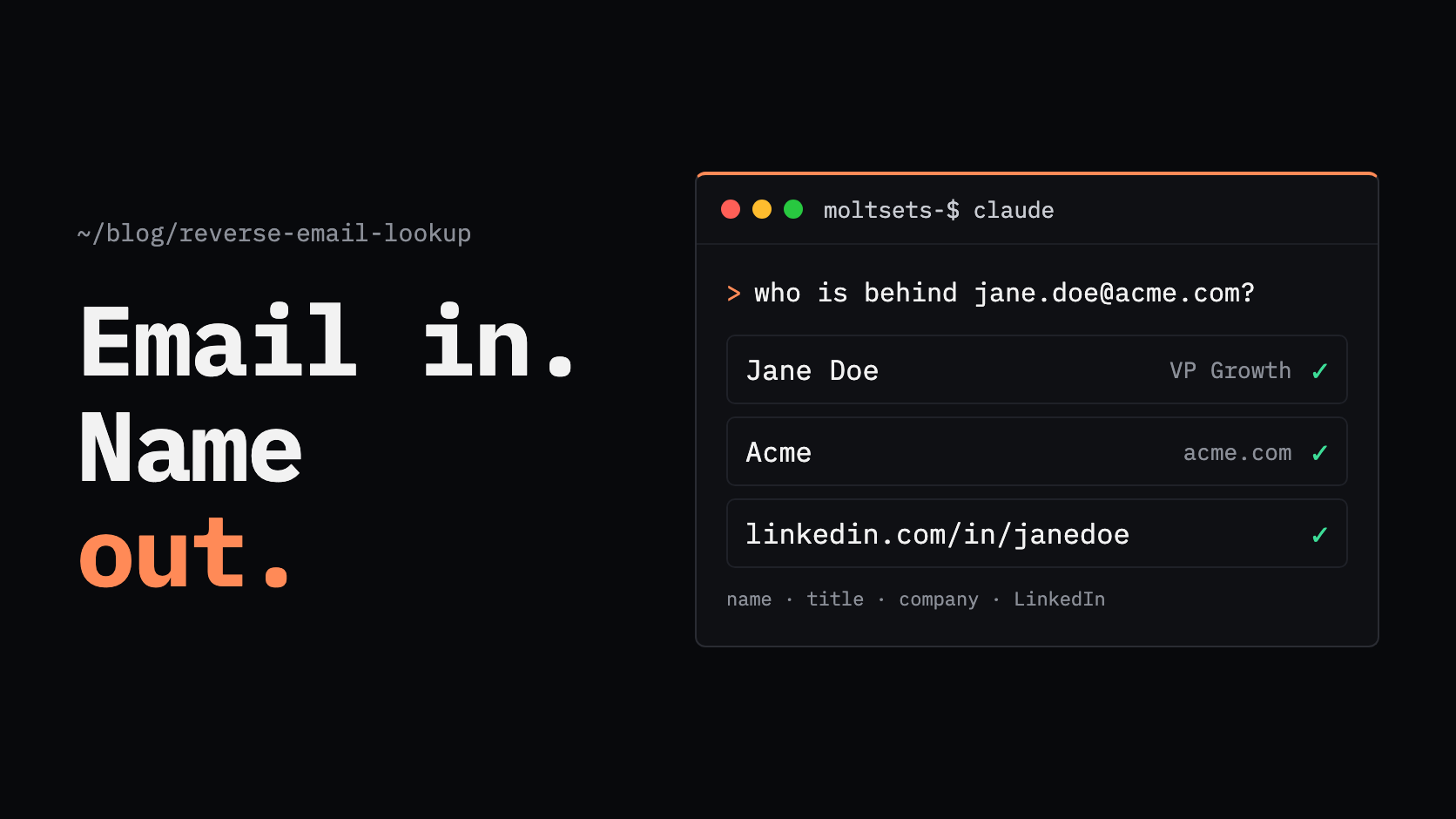
A reverse email lookup is a search that starts with an email address and returns the person behind it, usually their name, job title, company, and LinkedIn profile. It works the opposite way from an email finder, which starts with a person and returns their email.
Sales and marketing teams use reverse email lookups to learn who signed up, who filled out a form, or who is on a list of emails they already have. B2B tools return professional details; consumer people-search sites return personal records, which is a different market with different rules.
How does a reverse email lookup work?
A reverse email lookup tool matches the email against a database of professional profiles that links email addresses to people and companies. When it finds a match, it returns the profile, often with a confidence score or a verification status.
What you get back depends on the tool. A typical B2B result includes:
Person: full name, job title, seniority, department, and location
Profiles: LinkedIn URL and sometimes other social profiles
Company: company name, website, employee count, revenue range, and industry
Other contact data: additional verified emails, and with some tools a phone number
Work emails match far more often than personal ones, because a work address ties directly to a company domain. Several tools, including Hunter and HubSpot, only enrich work emails and skip Gmail, Yahoo, and similar addresses.
How do I find out who owns an email address?
To find out who owns an email address, run it through a reverse email lookup tool, which returns the person's name, role, company, and LinkedIn profile if the email is in its database. For a single work email, a free tier from a B2B data tool is usually enough.
Without a tool, you have a few free options, with limits:
Search the email in quotes on Google. If the person has published it on a website, author page, or conference listing, it may show up. Most work emails aren't public, so this often finds nothing.
Look at the domain. The part after the @ tells you the company for work emails. The company's website or team page may list the person.
Check Have I Been Pwned. It shows which data breaches an email appeared in, not who owns it. It stores no names or employers, and its terms prohibit using it to solicit breach victims, so it isn't a prospecting tool.
You can't search LinkedIn by email. LinkedIn's help center says it doesn't let members search for an email address to discover a profile, and members control whether they can be found by email.
What are the best reverse email lookup tools?
The best reverse email lookup tool depends on how many emails you have and where you work. MoltSets suits lists and agent workflows, with flat monthly pricing; Hunter is cheapest per match for work emails; Breeze Intelligence fits HubSpot users; FullEnrich accepts personal emails; People Data Labs and Apollo suit teams already building on their APIs.
Tool | What it returns from an email | Accepts personal emails? | Free tier | Cost on cheapest paid plan | Works in Claude | Limitation |
|---|---|---|---|---|---|---|
MoltSets | Name, title, seniority, LinkedIn URL, company and firmographics, verified emails on file with risk scores | Yes, if MoltSets has the address on file | 1,000 lifetime records | Flat monthly rate from $27/mo, no per-lookup credits | Yes (MCP) | Not a sales platform: no dialer, sequencer, or CRM |
Hunter | Name, title, seniority, location, social profiles; company data with Combined Enrichment | No (webmail isn't enriched) | 50 credits/mo | About $0.005 per match (0.2 credits on the $49/mo plan for 2,000 credits) | Yes (MCP) | Skips Gmail, Yahoo, and other webmail addresses |
HubSpot Breeze Intelligence | Name, job title, LinkedIn URL, role, seniority, location | No | None | Included with paid HubSpot seats; doesn't use HubSpot Credits | In HubSpot only | Works only inside HubSpot, on paid plans |
FullEnrich | Name, title, seniority, department, location, social profile, company details | Yes | 50 credits, one-time | About $0.06 per match (1 credit; $29/mo for 500 credits) | Yes (MCP) | Emails and phones need a separate enrichment |
People Data Labs | Full person record: employment history, social profiles, locations | Not documented | 100 credits/mo | About $0.28 per match ($98/mo for 350 credits) | Not documented | Email-only lookups rarely return a high-confidence match |
Apollo | Name, title, employment history, location, company, match confidence | Not documented | 75 credits/mo | 1 credit per match ($65/seat/mo for 2,500 credits) | Yes (MCP) | Bulk matching tops out at 10 people per API call |
Costs are calculated from each vendor's monthly list prices and fall on larger plans. Consumer people-search sites also offer reverse email search, but they're built around personal records, not B2B contacts, so they aren't covered here.
How do I run a reverse email lookup in Claude or ChatGPT?
To run a reverse email lookup in Claude or ChatGPT, connect a B2B data tool like MoltSets and paste in the emails. Claude and ChatGPT don't have a contact database built in, so on their own they can only search the public web.
Connect MoltSets once. Add it as a connector in Claude (claude.ai, Claude Desktop, or Claude Code), which works on every Claude plan, or in ChatGPT on Business, Enterprise, and Edu plans. On team plans, an admin adds the connector first.
Ask for what you need. For example: "Here are 50 emails from this week's webinar signups. Tell me who each person is, their title, company, and LinkedIn URL, and put it in a table."
Get the profiles back in the chat. Claude runs a lookup for each email, and emails with no match come back marked as not found.
There's no separate dashboard to log into and no exporting lists between tools.
How do I find a LinkedIn profile from an email?
To find a LinkedIn profile from an email, use a reverse email lookup tool that returns LinkedIn URLs, since LinkedIn itself doesn't let you search by email. Most B2B tools in the table above include the LinkedIn URL in the result when they find a match.
MoltSets has two options:
email_to_linkedin returns only the single best-matching LinkedIn URL. It scores every candidate profile and returns the strongest one.
reverse_email_lookup returns the LinkedIn URL along with the full business profile and company data.
Once you have the LinkedIn URL, you can use it to enrich further, for example to add a carrier-verified mobile number.
How do I run a reverse email lookup at scale or by API?
To run reverse email lookups at scale, use an API that takes an email and returns a profile, and loop through your list from your own code, a workflow tool, or an AI agent. Per-lookup pricing adds up quickly at volume, so check how each tool charges before you send thousands of emails.
MoltSets is built for this. Its reverse_email_lookup endpoint takes up to 100 emails per call and turns each one into a full business profile: name, title, seniority, functional area, LinkedIn URL, country, company name and website, employee count, revenue range, and any verified work or personal emails on file, each with an A–F risk score.
Works where you work. Run it from Claude, ChatGPT, Claude Code, Codex, n8n, or your own code, or as an HTTP API step in a Clay table.
Misses are clear and free. An email with no match returns not_found and doesn't use a record, though every call counts toward your plan's rate limit.
Flat-rate pricing. Paid plans start at $27/mo with no per-lookup credits, bounded by rate limits and a fair-use policy. The free plan includes 1,000 lifetime records.
Where it isn't a fit: MoltSets is a B2B data API, not a consumer people-search site, so it won't help with personal background checks. It's also a data layer, not a sales platform: there's no dialer, sequencer, or CRM.
What are the common use cases for reverse email lookup?
The most common B2B use cases are enriching emails you already have, identifying who filled out a form, and qualifying new signups. In each case, you start with an email and need to know the person and company behind it.
Enrich a list of emails. Event attendees, newsletter subscribers, or an old CRM export often have emails but no names, titles, or companies. A reverse lookup fills in the rest so you can segment and prioritize.
Identify who filled out a form. Short forms convert better, but they leave you with just an email. A reverse lookup adds the title, company, and size, so you can route the lead to the right rep.
Qualify a new signup. For a product with free signups, knowing whether a new user is a student or a VP at a target account changes what you do next.
Is reverse email lookup legal? A note on privacy
Reverse email lookup for legitimate B2B purposes is generally legal, but privacy laws set rules on how you use the data, especially in Europe and California. The main obligations are telling people where you got their data and honoring opt-out requests.
European Union, GDPR. If you collect someone's personal data from a source other than them, Article 14 requires you to tell them, including where the data came from. If you use the data to contact them, you must do so at the latest at your first communication.
California, CCPA/CPRA. Consumers can opt out of the sale or sharing of their personal information, and businesses that sell it must offer a "Do Not Sell or Share My Personal Information" link. Data brokers must register with the state each year and, under the Delete Act, process deletion requests through the state's DROP platform.
Provider practices. Reputable B2B data providers let people opt out of their databases. Hunter, for example, returns a specific response when a person has asked not to be processed, and MoltSets handles opt-outs through Retention.com's opt-out page. MoltSets combines many data sources into its own in-house database, checks external vendors when a record isn't there, and adds its own validation and engagement history.
Reverse lookups work best for what B2B teams already use them for: understanding who your leads and prospects are so you can follow up well. This isn't legal advice; check your obligations with your own counsel. For how MoltSets handles data, see its terms of service and compliance page.
Which option fits you?
The right option depends on how many emails you have, what kind they are, and where you work.
Situation | Best option |
|---|---|
One work email, free | MoltSets' free plan (1,000 lifetime records) |
A list of emails that needs full profiles | MoltSets, through its API, MCP, or a Clay HTTP step |
Looking up emails inside Claude or ChatGPT | Connect MoltSets and ask in plain English |
Contacts already in HubSpot | Breeze Intelligence |
Personal emails like Gmail addresses | FullEnrich |
Lowest cost per match on work emails | Hunter |
Building on a large person database by API | People Data Labs |
Frequently asked questions
A reverse email lookup is a search that starts with an email address and returns the person behind it, typically their name, job title, company, and LinkedIn profile. B2B tools like MoltSets, Hunter, and FullEnrich match the email against a database of professional profiles.
Run the email through a reverse email lookup tool, which returns the owner's name, role, company, and LinkedIn profile if the email is in its database. Free methods like searching the email in quotes on Google sometimes work but usually find nothing for work emails.
Use a reverse email lookup tool that returns LinkedIn URLs, because LinkedIn doesn't let you search by email. MoltSets' email_to_linkedin returns the single best-matching LinkedIn URL for an email, and most B2B enrichment tools include the LinkedIn URL in their results.
Sometimes. Free plans from B2B tools, like MoltSets' 1,000 lifetime records, can return names for work emails. Searching the email on Google occasionally works too. Personal emails are much harder to match, and many tools don't accept them.
For legitimate B2B use, it's generally legal, but privacy laws apply. In the EU, GDPR requires you to tell people where you got their data, at the latest when you first contact them. In California, people can opt out of the sale of their data. This isn't legal advice.
Accuracy depends on the tool, the email type, and the region. Work emails match much more often than personal ones, and an email alone gives less certainty than an email plus a name or company. Check any confidence score or verification status before acting on a match.
Yes, once you connect a contact-data tool. Claude doesn't have a contact database built in, but with MoltSets connected through MCP, Claude can look up who is behind a list of emails and return names, titles, companies, and LinkedIn URLs in the chat.