Tool pricing checked October 2026.
TL;DR
The reliable way to find someone's mobile number is a phone finder tool or API that checks each number with the carrier before returning it. Expect to find mobiles for only part of any list, and expect to pay more per mobile than per email, everywhere. Quick version:
If you need one mobile while browsing LinkedIn, use a Chrome extension like Lusha, which also flags Do Not Call status.
If you have a list of LinkedIn URLs, use an API like MoltSets, which returns carrier-verified mobiles for up to 100 profiles per request.
If you work in Claude or ChatGPT, connect MoltSets and ask for mobiles in plain English, with no separate tool to log into.
If the lowest price per mobile matters most, use LeadMagic, at about $0.10 per mobile on its entry plan.
If you call into the UK and Europe and want numbers verified by a human, talk to Cognism.
No provider finds every mobile. Check Do Not Call rules before anyone dials.
How do I find someone's mobile number?
To find someone's mobile number, look them up in a phone finder tool using their LinkedIn profile, their name and company, or their email address. The best tools confirm each number is an active mobile before returning it, so your reps don't dial dead or wrong numbers.
Two caveats:
Coverage is never 100%. Many professionals keep their mobile number private, and no database has every one. Expect to find mobiles for only part of any list.
Mobiles cost more than emails. Every provider in this guide charges more for a mobile than for an email, because mobiles are harder to source and checking them costs money on each lookup.
What does carrier-verified mean, and why does it matter?
A carrier-verified mobile number has been checked against the mobile network at the time you request it, confirming the number is active, in service, and a mobile rather than a landline. A number that isn't verified is the provider's best match from its database, which may be old, reassigned, or a switchboard.
Providers verify phone numbers in different ways:
Method | What it confirms | Example |
|---|---|---|
Real-time carrier check | The number is an active mobile on a carrier network right now | MoltSets |
Human call verification | A person called the number and confirmed it reaches the right contact | Cognism (Diamond Data) |
Messaging-app check | The number has an active WhatsApp account | Datagma |
Database match only | The number was linked to the person in a past data source | Common with tools that don't state a method |
Verification matters because a wrong number costs more than a missing one. A rep who dials a disconnected line or a stranger's phone loses time and, with a reassigned number, can call someone who never agreed to hear from you.
Where can you find a mobile number without a tool?
You usually can't. LinkedIn only shows a phone number in a member's "Contact info" section if they chose to add and share it, and most people don't. The person's own website, an email signature from a past conversation, or a conference speaker page occasionally lists a mobile.
These sources work for one person at a time, and a published number can be years old. Treat any number you find this way as unverified until you check it.
Which mobile phone finder tools are best?
The best mobile phone finder depends on how you verify, how many numbers you need, and where you're calling. MoltSets carrier-verifies every mobile within the last 90 days, LeadMagic has the lowest price per mobile, Lusha is easiest for one-off lookups on LinkedIn, Cognism verifies numbers by calling them, and Datagma suits list uploads with mixed inputs.
Tool | How it verifies mobiles | Cost per mobile (cheapest paid plan) | Charged when nothing is found? | Best for | Limitation |
|---|---|---|---|---|---|
MoltSets | Carrier-verified within the last 90 days (checked live if not recent); mobiles only, no landlines or VoIP | $0.15 per token, as an add-on to a paid plan ($27 plan + $27 for 180 tokens) | No | Adding verified mobiles to LinkedIn URL lists, inside Claude or your own code | Finds mobiles from LinkedIn URLs only, and doesn't return Do Not Call status yet (it's on the roadmap) |
LeadMagic | Not stated; searches data partners and public sources | About $0.10 (5 credits on the $99/mo plan for 5,000 credits) | No | Lowest price per mobile at volume | No verification method published, and no Chrome extension |
Lusha | Cross-checked across multiple sources; claims 85% phone accuracy in the US | About $0.62 (5 credits on the $49.90/mo Starter plan for 400 credits) | No for CSV uploads; yes for API calls (1 credit minimum) | One-off lookups on LinkedIn, with Do Not Call flags | Highest price per mobile at entry level |
Cognism | Phone-verified by its own team (Diamond Data) | Not published; quotes through sales | Not stated | Teams calling into the UK and Europe that need Do Not Call screening | No public pricing or free tier |
Datagma | Checks each mobile for an active WhatsApp account | About $0.49 (30 credits on the $49/mo plan for 3,000 credits) | No | Uploading lists with mixed inputs | No Do Not Call screening |
Costs are calculated from each vendor's monthly list prices. Per-mobile prices fall on larger plans, so check the vendor's pricing page for your volume.
How do I find mobile numbers in Claude or ChatGPT?
To find mobile numbers in Claude or ChatGPT, connect a contact-data tool like MoltSets and ask in plain English. Claude and ChatGPT don't have verified phone data built in, so on their own they can only search the public web.
How it works with MoltSets:
Connect MoltSets once. Add it as a connector in Claude (claude.ai, Claude Desktop, or Claude Code), which works on every Claude plan, or in ChatGPT on Business, Enterprise, and Edu plans. On team plans, an admin adds the connector first. You'll need a paid MoltSets plan with phone tokens.
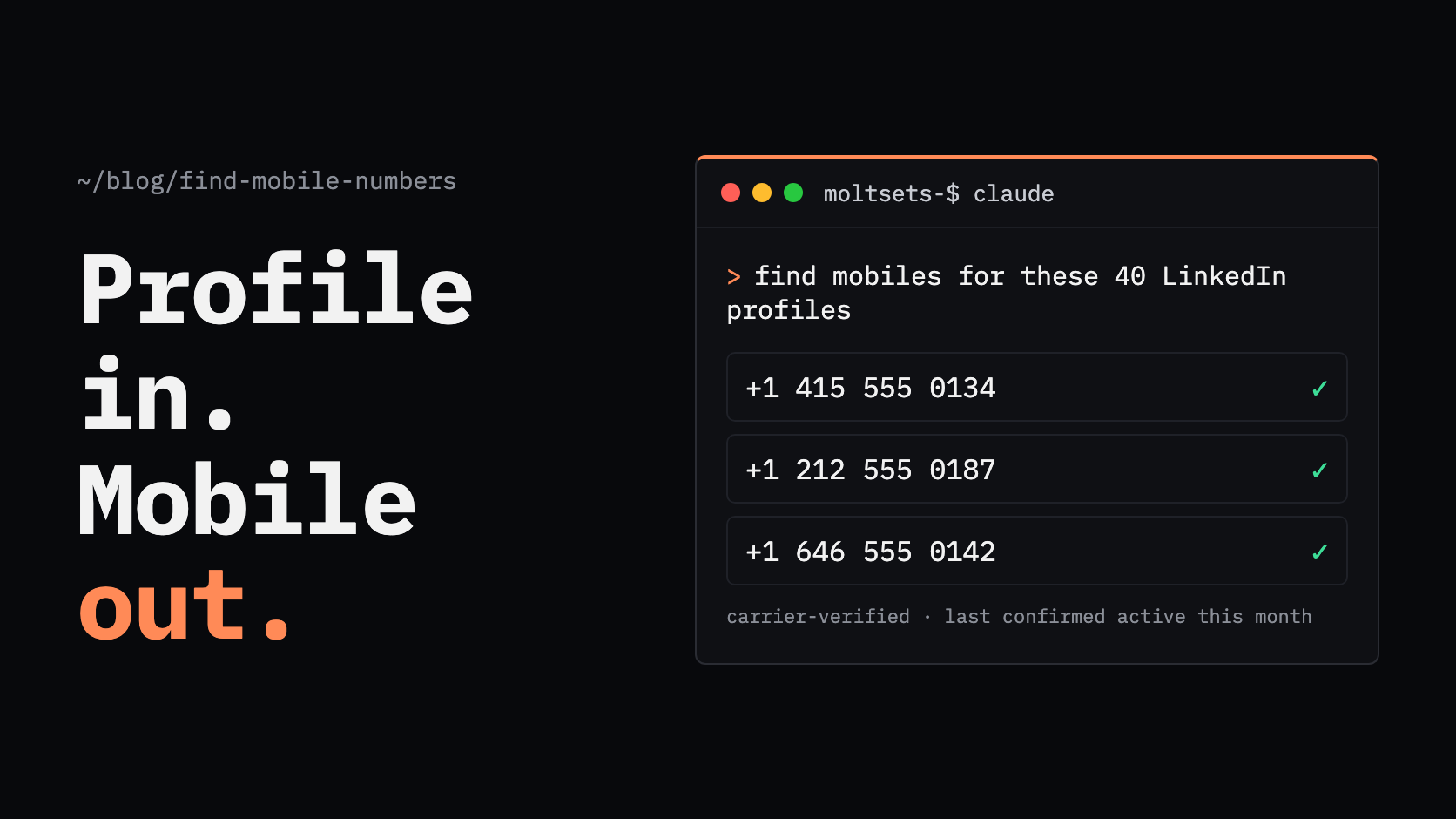
Ask for what you need. For example: "Find carrier-verified mobile numbers for these 40 LinkedIn profiles and put them in a table."
Get verified mobiles back in the chat. Each number comes with the date it was last confirmed active, and lookups that find nothing don't use a token.
There's no separate dashboard to log into and no exporting lists between tools.
How do I add mobile numbers to a list of LinkedIn URLs?
To add mobile numbers to a list of LinkedIn URLs, send the URLs to a phone finder API in batches, or upload the list to a tool that enriches CSV files. The API route suits lists you'll process repeatedly or inside other tools; the upload route suits a one-time list.
MoltSets' linkedin_to_mobile_phone endpoint takes up to 100 LinkedIn URLs per request and returns a carrier-verified mobile for each profile it can match.
Only mobiles. It returns no landlines or VoIP numbers.
Freshness is visible. Each result includes a last_validated_at date, the last time the number was confirmed active and in service.
Misses are free. A profile with no mobile returns not_found and uses no phone token.
Works where you work. Run it from Claude, ChatGPT, Claude Code, Codex, n8n, or your own code, or as an HTTP API step in a Clay table.
Pricing. Phone tokens are a monthly add-on to any paid MoltSets plan (plans start at $27/mo): $27 for 180 tokens, $97 for 646, or $197 for 1,313, and larger packs at the same rate. Every token is $0.15, and one is only used when a mobile is found. Unused tokens roll over while you're subscribed.
Where it isn't a fit: MoltSets needs a LinkedIn URL to find a mobile, so it won't help if you only have names or emails. It doesn't return Do Not Call status yet (it's on the roadmap), so for now you'll need to screen numbers separately. It's also a data layer, not a dialer.
Other options for a LinkedIn URL list: Lusha and Datagma accept CSV uploads and work in Clay, and LeadMagic accepts profile URLs through its API and Clay integration.
How do I stay compliant when calling mobile numbers?
Calling a prospect's mobile for sales is regulated, so check the rules for each country you call before your team dials. The main obligations are screening Do Not Call lists and getting consent for automated calls and texts.
United States, TCPA (FCC). Autodialed or prerecorded calls and texts to a wireless number require the owner's prior consent, and prerecorded telemarketing calls require prior written consent. These consent rules apply to wireless numbers regardless of whether the call is business-to-business.
United States, Do Not Call (FTC). Most calls to businesses are exempt from the Telemarketing Sales Rule, but a "business" mobile is often someone's personal cell, which may be on the National Do Not Call Registry. Telemarketers that must comply have to sync with the Registry every 31 days, and many states keep their own lists.
United Kingdom, PECR (ICO). For live business-to-business calls, screen numbers against both the TPS and the CTPS registers.
European Union. If you use third-party contact data, GDPR requires you to show it was obtained lawfully and to tell people where you got it, at the latest at your first contact. Telemarketing rules vary by member state.
Some tools help with screening: Lusha flags Do Not Call status on each phone record, and Cognism screens its data against Do Not Call registries in several countries. LeadMagic and Datagma don't return Do Not Call status, and MoltSets doesn't yet (it's on the roadmap), so screen those numbers yourself. This isn't legal advice; check the rules with your own counsel. For how MoltSets handles data, see its terms of service and compliance page.
Which option fits you?
The right option depends on how many mobiles you need, how you'll use them, and where you're calling.
Situation | Best option |
|---|---|
One mobile while browsing LinkedIn | Lusha's Chrome extension (8 free mobiles a month on its free plan) |
A list of LinkedIn URLs that needs verified mobiles | MoltSets, through its API, MCP, or a Clay HTTP step |
Finding mobiles inside Claude or ChatGPT | Connect MoltSets and ask in plain English |
Lowest price per mobile at volume | LeadMagic |
Calling into the UK and Europe with Do Not Call screening | Cognism |
Uploading a list with names, emails, and profile URLs mixed together | Datagma |
Frequently asked questions
Look them up in a phone finder tool using their LinkedIn profile, their name and company, or their email address, and choose a tool that verifies numbers before returning them. Expect to find mobiles for only part of any list, since many people keep their mobile private.
Use a provider that checks each number against the mobile network when you request it. MoltSets carrier-verifies every mobile it returns within the last 90 days, checking live if it hasn't been checked recently, and excludes landlines and VoIP numbers. Cognism verifies numbers differently, by having its team call them.
Send the URLs to a phone finder API in batches or upload them to a tool that enriches CSV files. MoltSets takes up to 100 LinkedIn URLs per request and returns a carrier-verified mobile for each match, inside Claude, Clay, or your own code. Lusha, Datagma, and LeadMagic also accept LinkedIn URLs.
No. No provider has every mobile number, and many professionals never share theirs. Even the best tools return mobiles for only part of a list, and coverage varies by country, industry, and seniority.
Mobiles are harder to source than work emails, which follow company domains, and verifying a mobile in real time costs the provider money on every lookup. That's why every tool in this guide charges more for a mobile than an email, from about $0.10 to $0.62 per mobile on entry plans.
Carrier-verified means the number was checked against the mobile network at the time of the lookup, confirming it's an active mobile in service, not a landline or a disconnected number. It's stronger than a database match, which only shows the number was once linked to the person.
Often yes, but it's regulated. In the US, autodialed or prerecorded calls and texts to wireless numbers need prior consent under the TCPA, and many "business" mobiles are personal cells that may be on the National Do Not Call Registry. The UK requires screening against the TPS and CTPS registers. Check the rules for each country you call; this isn't legal advice.
Use a phone finder that accepts LinkedIn URLs. For one profile, Lusha's Chrome extension shows the mobile while you're on the page. For a list, MoltSets' API returns a carrier-verified mobile for each LinkedIn URL it can match, up to 100 per request.
Yes, once you connect a contact-data tool. Claude doesn't have verified phone data built in, but with MoltSets connected through MCP, Claude can look up carrier-verified mobiles from LinkedIn URLs and return them in the chat. You'll need a paid MoltSets plan with phone tokens.