Pricing checked November 2026, on each vendor's own pricing page.
TL;DR
The reliable way to find someone's email from LinkedIn is to look up their profile URL in verified contact data. LinkedIn itself rarely shows an email, but a LinkedIn email finder turns the profile URL into a verified work or personal email in seconds. Quick version:
If you're on one profile at a time, use a Chrome extension. The MoltSets LinkedIn email finder shows a graded email in a side panel next to the profile.
If you have a list of LinkedIn URLs, use an API or a bulk tool. MoltSets takes up to 100 LinkedIn URLs per request and returns the best verified email for each.
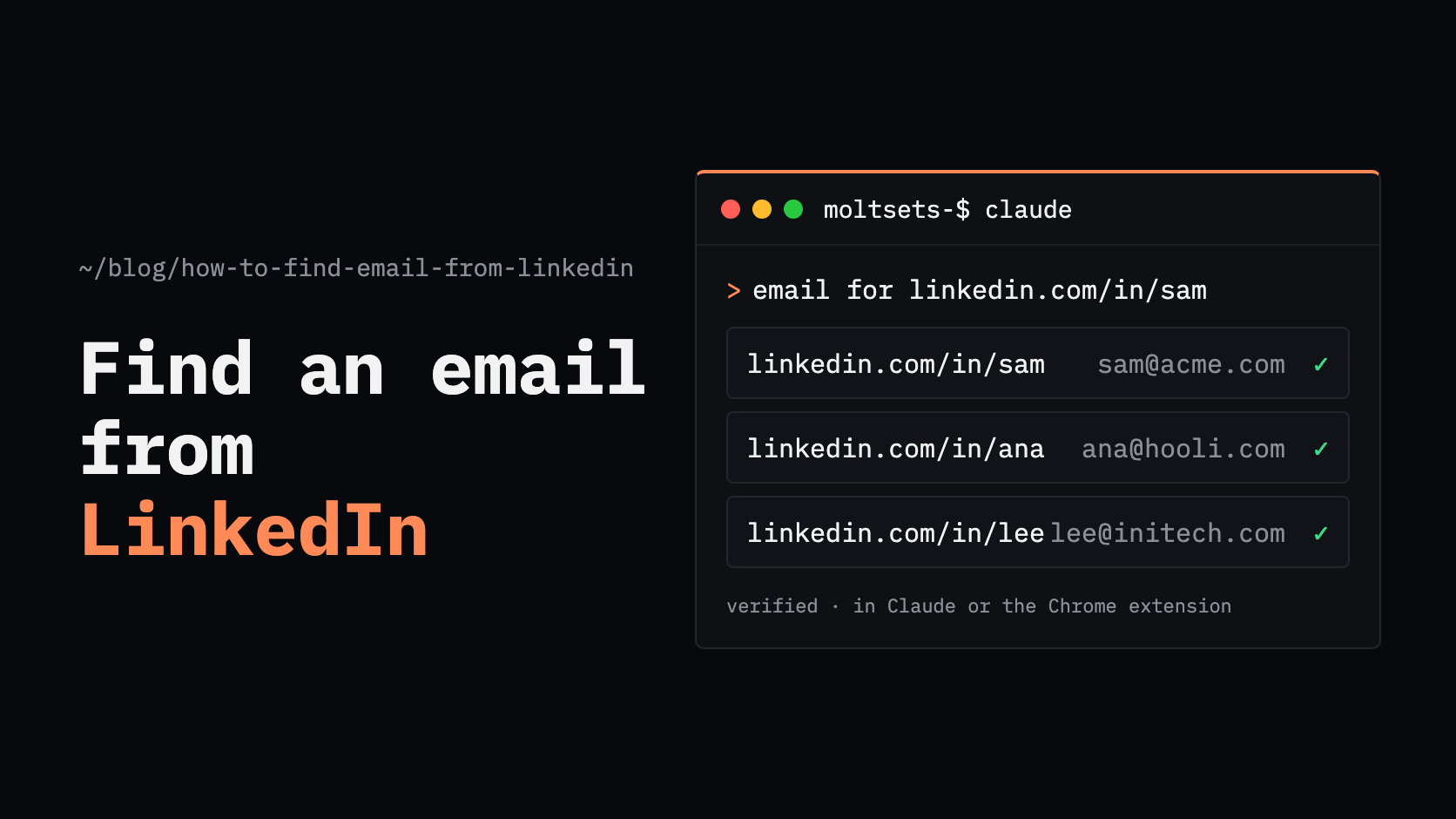
If you work in Claude or ChatGPT, connect MoltSets and ask in plain English. Paste the LinkedIn URLs and get verified emails back in the chat.
No source has every email. Check the verification status before you send.
How do I find someone's email from their LinkedIn profile?
To find someone's email from their LinkedIn profile, copy the profile URL and look it up in a LinkedIn email finder. A good finder returns a verified email, plus a grade or status that tells you whether it's safe to send to.
You can do the lookup three ways:
On the profile itself, with a browser extension that reads the profile URL and shows the email in a side panel.
For a list, by sending LinkedIn URLs to an email-finding API or a tool's bulk upload.
In a chat, by connecting a contact-data tool to Claude or ChatGPT and asking for the emails.
For the wider picture, including finding an email from a name and company, see our guide to finding someone's email address.
Does LinkedIn show email addresses?
Sometimes, but not reliably. A member's email appears in the Contact info section of their profile only if they choose to share it, and by default only 1st-degree connections can see it. Recruiters, founders, freelancers, and people in sales are the most likely to list one.
For most profiles, you need a LinkedIn email finder.
How do I find an email from LinkedIn with a Chrome extension?
Install a LinkedIn email finder extension, open a profile, and click to look up the email. It's the quickest method when you're prospecting one person at a time. Lusha, Apollo, Prospeo, and Findymail all have LinkedIn extensions (compared below), and MoltSets has its own for Chrome and Firefox.
With the MoltSets extension for Chrome (there's a Firefox version too), it takes three steps:
Install and connect. Add MoltSets from the Chrome Web Store, open the side panel, and paste your API key, or sign up free from the panel.
Open a profile and click Get. Choose a full business profile, a business email, a personal email (US contacts), or a carrier-verified mobile number. The result appears in seconds.
Save and send. Add the contact to a lead list, download a CSV, or send it to HubSpot, Salesforce, Attio, Clay, Make, n8n, Zapier, or a webhook.
Every email comes with an A–F risk score and the date it was last validated. Lookups that find nothing are free, saved results don't cost again when you come back to a profile, and lists, CSV downloads, and sends never use tokens.
Is a LinkedIn email finder safe to use on my account?
It depends on how the extension works. Extensions that scrape LinkedIn, automate profile views, or pull data in the background are what get accounts restricted.
The MoltSets extension doesn't scrape LinkedIn. It reads only the URL of the profile in your active tab, looks that URL up in the MoltSets database, and shows the result in the side panel. It doesn't read the page, change it, or run automation. LinkedIn can still limit accounts that view a very high number of profiles, with or without an extension.
How do I find emails for a list of LinkedIn profiles?
Send the LinkedIn URLs to an email-finding API in batches, or upload them to a tool that enriches CSV files. This is the method to use once you're past a handful of profiles, for example after exporting a list from Sales Navigator or building a lead list.
MoltSets. The linkedin_to_best_email endpoint takes up to 100 LinkedIn URLs per request. For each one it returns the best verified email, preferring the business email and falling back to a personal email (US records) when there's no work address.
Where it runs: the API, Claude, ChatGPT, Clay, n8n, or your own code.
What comes back: the email, whether it's business or personal, its A–F risk score, and its last-validated date. A miss comes back as not_found and isn't charged.
Other LinkedIn lookups: linkedin_to_business_email for work emails only, linkedin_to_personal_email_usa for personal emails, and linkedin_to_mobile_phone for carrier-verified mobiles.
Pricing: free for 1,000 records (one time), then $27/mo with no per-record credits. The $27 plan covers 1,000 records every 5 hours and 5,000 a week, and higher plans raise the limits. Mobiles are a separate add-on at $0.15 per token.
Because it's a flat monthly rate, a bigger list doesn't mean a bigger bill. See how much data enrichment costs for the per-credit comparison.
How do I find someone's email from LinkedIn in Claude or ChatGPT?
Connect a contact-data tool like MoltSets to Claude or ChatGPT, then paste the LinkedIn URLs and ask for the emails. Claude and ChatGPT have no verified contact data built in, so on their own they can only search the public web.
Connect once. Add MoltSets as a connector in claude.ai, Claude Desktop, or Claude Code. It also works in ChatGPT on Business, Enterprise, and Edu plans.
Ask in plain English. For example: "Find verified work emails for these 40 LinkedIn profiles, and give me a table with name, company, email, and risk grade."
Get verified results in the chat. Each email comes back with its grade, ready to copy into a sheet or send to your CRM.
There's no dashboard to log into and nothing to export.
LinkedIn email finder tools compared
Most LinkedIn email finders work through a Chrome extension, and some add an API for bulk lookups. Here's how the main options compare.
Tool | How it works on LinkedIn | Free tier | Paid from (monthly billing) | Best for | Limitation |
|---|---|---|---|---|---|
MoltSets | Chrome and Firefox extension, API, and MCP server for Claude and ChatGPT | 1,000 records (one time) | $27/mo, no per-record credits | Single profiles and lists of LinkedIn URLs at a flat rate | Not a sales platform: no sequencer or dialer. Mobiles cost extra. |
Chrome extension on LinkedIn, plus an API | 40 credits/mo | $49.90/mo for 400 credits | Occasional lookups while browsing | Small allowances: an email is 1 credit and a phone 5 | |
Chrome extension plus a contact database with sequences | 75 credits/mo | Finding and emailing people in one platform | Credits expire every cycle, and costs grow per seat | ||
Chrome extension, search database, and API | 100 credits/mo | $49 per user/mo for 2,000 credits | Search plus emails on a budget | Pricing is per user, and the API isn't on the free plan | |
Chrome extension, web app, and API, built for cold email | 10 credits (one time) | $99/mo for one seat | Cold email with a bounce guarantee | Usage isn't published, so the cost per email is hard to predict |
For more options, see our Apollo alternatives, Lusha alternatives, Findymail alternatives, and Prospeo alternatives, or the best B2B data enrichment APIs.
Should I use the business email or the personal email?
Use the business email for B2B outreach, and the personal email only when there's no work address or the person has changed jobs. A work email reaches people in their professional role, while personal emails are more tightly regulated.
MoltSets' best-email lookup handles this for you: it returns the business email when there is one and falls back to a personal email (US records only) when there isn't. Each result says which type it is, so you can filter before you send.
How do I know the email from LinkedIn is correct?
Check the grade or verification status on every email before you send. An email finder that only returns "found" doesn't tell you whether the inbox will accept your message.
MoltSets grades every email it returns from A to F, using validation history, engagement, and spam sightings rather than a single mailbox check. That matters because Microsoft started blocking those checks in 2026, so some validators now mark good Microsoft inboxes as invalid. Send to A and B grades, re-check F (no signal), and never send to D. Our guide to measuring contact data accuracy shows how to test any provider on your own data.
Which method should you use?
If you're looking at one profile at a time, use a Chrome extension like the MoltSets LinkedIn email finder.
If you're prospecting on LinkedIn every day, use a Chrome extension that saves lead lists and sends them to your CRM.
If you have a list of LinkedIn URLs, use an API that takes them in batches, such as MoltSets' linkedin_to_best_email.
If you work in Claude or ChatGPT, connect MoltSets and ask for the emails in plain English.
If your CRM has contacts with LinkedIn URLs but no email, backfill the missing emails in bulk.
If you have an email and want the LinkedIn profile, use a reverse email lookup.
Frequently asked questions
Use a LinkedIn email finder's free tier: MoltSets includes 1,000 records free (one time), Prospeo gives 100 credits a month, Apollo 75, and Lusha 40.
Only if you choose to share it. Your email appears in your profile's Contact info section, and by default only your 1st-degree connections can see it. You can change who sees it in LinkedIn's visibility settings.
Yes, once you connect a contact-data tool. Claude doesn't have verified contact data built in, but with MoltSets connected through MCP you can paste LinkedIn URLs and ask for verified emails, and the results come back in the chat with a risk grade on each. The same works in ChatGPT on Business, Enterprise, and Edu plans.
Up to 100 LinkedIn URLs per API request with linkedin_to_best_email. On the $27 plan you can enrich 1,000 records every 5 hours and 5,000 a week, and higher plans raise those limits. In the Chrome extension, you look up one profile at a time and build lists as you go.
No. The Chrome and Firefox extensions are free to install and use your MoltSets plan, starting with the free account's 1,000 records. Lookups that find nothing are free, and lists, CSV downloads, and sends to your CRM never use tokens. Mobile numbers need a paid plan with a phone token add-on.
Not if the extension doesn't scrape LinkedIn. Restrictions usually come from tools that read the page, automate profile views, or pull data in the background. The MoltSets extension reads only the profile URL in your tab, but LinkedIn can still limit any account that views a very high number of profiles.
Looking up a business email is generally legal, but how you use it is regulated. Laws like GDPR, CAN-SPAM, and CASL set rules for consent, opt-outs, and the legal basis for emailing someone, and personal emails are regulated more strictly than work emails. Check the rules for the countries you send to.